
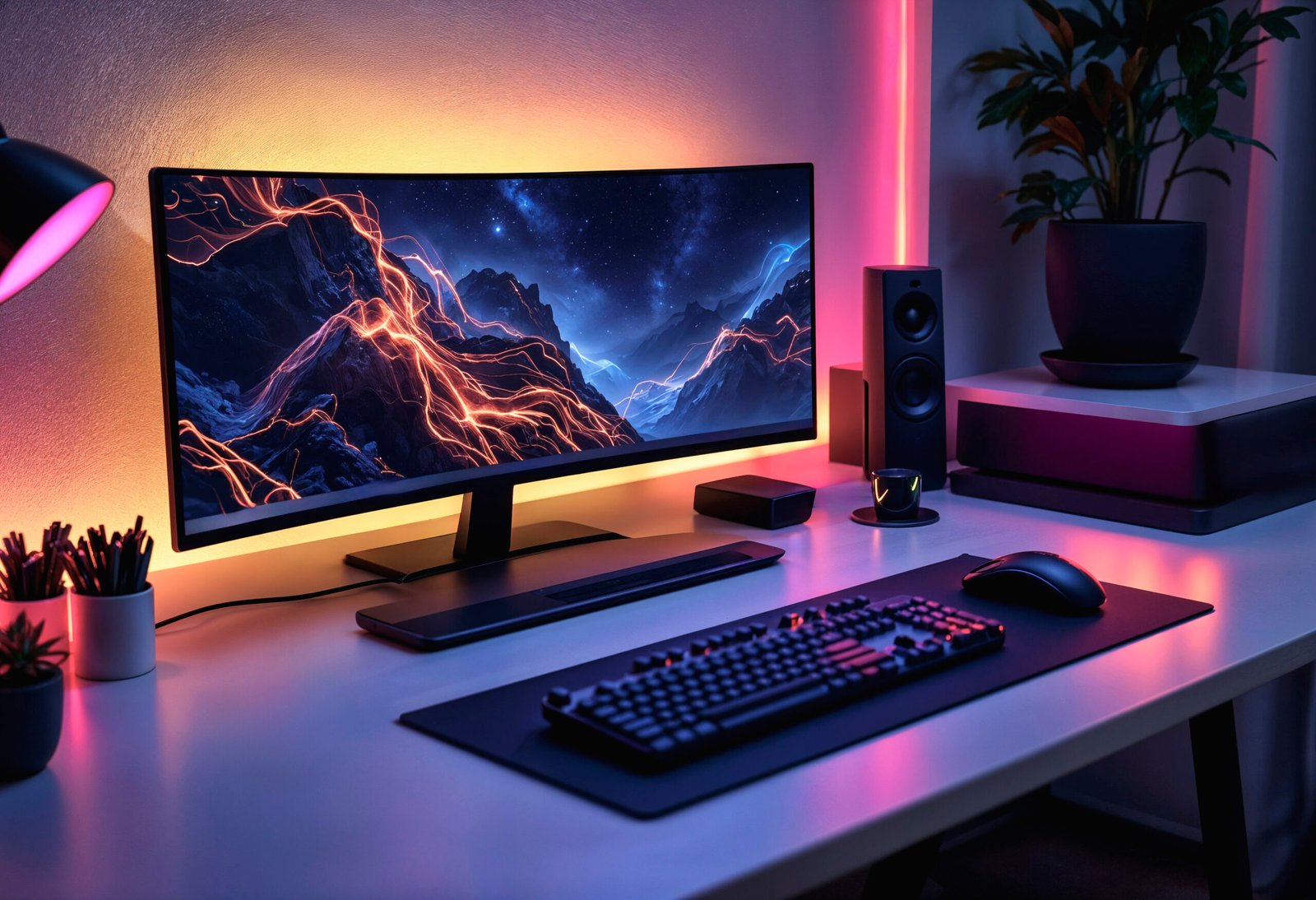
A good gaming setup is not just about having a powerful graphics card or the latest processor. Your display matters just as much because it determines how smoothly, clearly, and accurately you see every moment of a game. The right Gaming Monitor can make fast action easier to follow, bring game environments to life, and make long gaming sessions more comfortable.
Whether you enjoy competitive shooters, racing games, or story-driven adventures, choosing a monitor that suits your playing style can make a noticeable difference.
1. Enjoy Smoother Gameplay With a Higher Refresh Rate
Refresh rate measures how many times a monitor updates its image per second, expressed in hertz (Hz). A 60Hz monitor refreshes 60 times per second, while a 144Hz monitor can refresh 144 times per second.
A higher refresh rate can make movement look smoother, especially when you’re turning quickly, tracking opponents, or navigating busy scenes.
Here’s a simple guide:
- 60Hz: Suitable for casual gaming and everyday use.
- 120Hz to 165Hz: A strong choice for most modern gaming setups.
- 240Hz or higher: Worth considering for competitive players who prioritise fast, responsive gameplay.
Remember that your PC or console must support the selected refresh rate to benefit from it fully.
2. Improve Your Reaction Time With Faster Response
In competitive games, a fraction of a second can matter. Response time refers to how quickly a monitor’s pixels change from one colour to another. Slower transitions can create visible trails behind moving objects, commonly known as ghosting.
A Gaming Monitor with fast pixel response can keep moving objects clearer, making it easier to follow opponents in first-person shooters, racing games, and other fast-paced titles.
Don’t rely on a manufacturer’s advertised response time alone. Real-world performance also depends on the panel and its settings, so independent reviews can help you make a better choice.
3. See More Detail With the Right Resolution
Resolution affects how sharp and detailed a game looks. Higher resolutions display more pixels, helping textures, edges, and distant objects appear clearer when paired with suitable screen size and viewing distance.
The most common options include:
- Full HD (1080p): A practical choice for budget builds and competitive gaming.
- QHD (1440p): Offers a useful balance of sharp visuals and gaming performance.
- 4K (2160p): Provides greater detail for immersive games, but requires more graphics processing power.
The best option depends on your graphics card and preferred games. A high-resolution display may look impressive, but a balanced setup that maintains smooth frame rates often delivers a better overall experience.
4. Experience Better Colours and More Immersive Visuals
A game’s atmosphere depends on more than resolution. Colour accuracy, contrast, brightness, and black levels all influence how the picture looks.
Different panel types offer different advantages:
- IPS: Often a good all-round option, with vibrant colours and wide viewing angles.
- VA: Generally offers stronger contrast, which can help darker scenes look more defined.
- OLED: Delivers deep blacks and excellent pixel response, although it usually costs more and requires consideration of burn-in risk.
For cinematic adventures and open-world games, contrast and colour quality can add depth to landscapes and nighttime scenes. Competitive players may prefer to prioritise motion clarity and responsiveness.
5. Reduce Screen Tearing for More Consistent Gameplay
Screen tearing occurs when the monitor displays parts of multiple frames at once, creating a visible split across the image.
Technologies such as AMD FreeSync and NVIDIA G-SYNC Compatible can synchronise the monitor’s refresh rate with your graphics card’s frame output. When supported and configured correctly, variable refresh rate (VRR) can reduce tearing and stuttering.
Before buying, check compatibility with your graphics card, console, and monitor connection. These details matter more than simply choosing a display with the highest advertised refresh rate.
6. Make Long Gaming Sessions More Comfortable
Gaming can keep you at your desk for hours, so comfort deserves attention alongside performance.
Look for features such as:
- Height and tilt adjustment: Helps you position the screen at a comfortable viewing angle.
- Eye comfort settings: Low-blue-light modes and flicker-free backlighting may help some users feel more comfortable.
- Suitable screen size: Choose a display that fits your desk and viewing distance.
- Matte screen finish: Can help manage reflections in brightly lit rooms.
A well-positioned monitor, regular breaks, and appropriate room lighting can make extended sessions more comfortable.
How Do You Choose the Right Gaming Monitor?
Start with the games you play most often, then match the display to your hardware and budget.
For competitive multiplayer games, prioritise refresh rate, pixel response, and low input lag. For cinematic titles, consider resolution, contrast, and colour quality. If you play a mix of genres, a 1440p monitor with a refresh rate of 144Hz or higher can be a useful starting point, provided your system can handle it.
Also check available HDMI or DisplayPort connections to ensure your computer or console can use the monitor’s intended resolution and refresh rate.
FAQs
Does a gaming monitor improve gaming performance?
A gaming monitor can improve the visual experience through smoother motion, clearer images, and lower display latency. However, it does not directly increase your computer’s processing power or frame rate.
Is 144Hz enough for gaming?
Yes. A 144Hz monitor is a strong choice for many casual and competitive gamers. Higher refresh rates can benefit some competitive players, particularly when their systems consistently produce high frame rates.
Is 1080p or 1440p better for gaming?
1080p is suitable for budget setups and high-frame-rate gaming. 1440p provides sharper visuals and is a good middle ground if your graphics card can maintain your preferred frame rate.
Does response time matter in gaming?
Yes. Faster pixel transitions can reduce ghosting and improve motion clarity, particularly in fast-paced games. However, response time is only one part of overall display performance.
Should I choose a curved or flat gaming monitor?
A flat monitor works well for most games and desk setups. A curved display can provide a more immersive viewing experience, especially on wider screens, but the better choice depends on your preferences and available space.
Conclusion
The Frontech Gaming Monitor can make your favourite games feel smoother, look sharper, and respond more consistently. Refresh rate, response time, resolution, panel quality, and comfort all play a role in the experience.
Rather than paying for the biggest numbers on a specification sheet, choose a monitor that matches your games, hardware, and budget. That way, you can get more out of your gaming setup without spending money on features you may never use.