
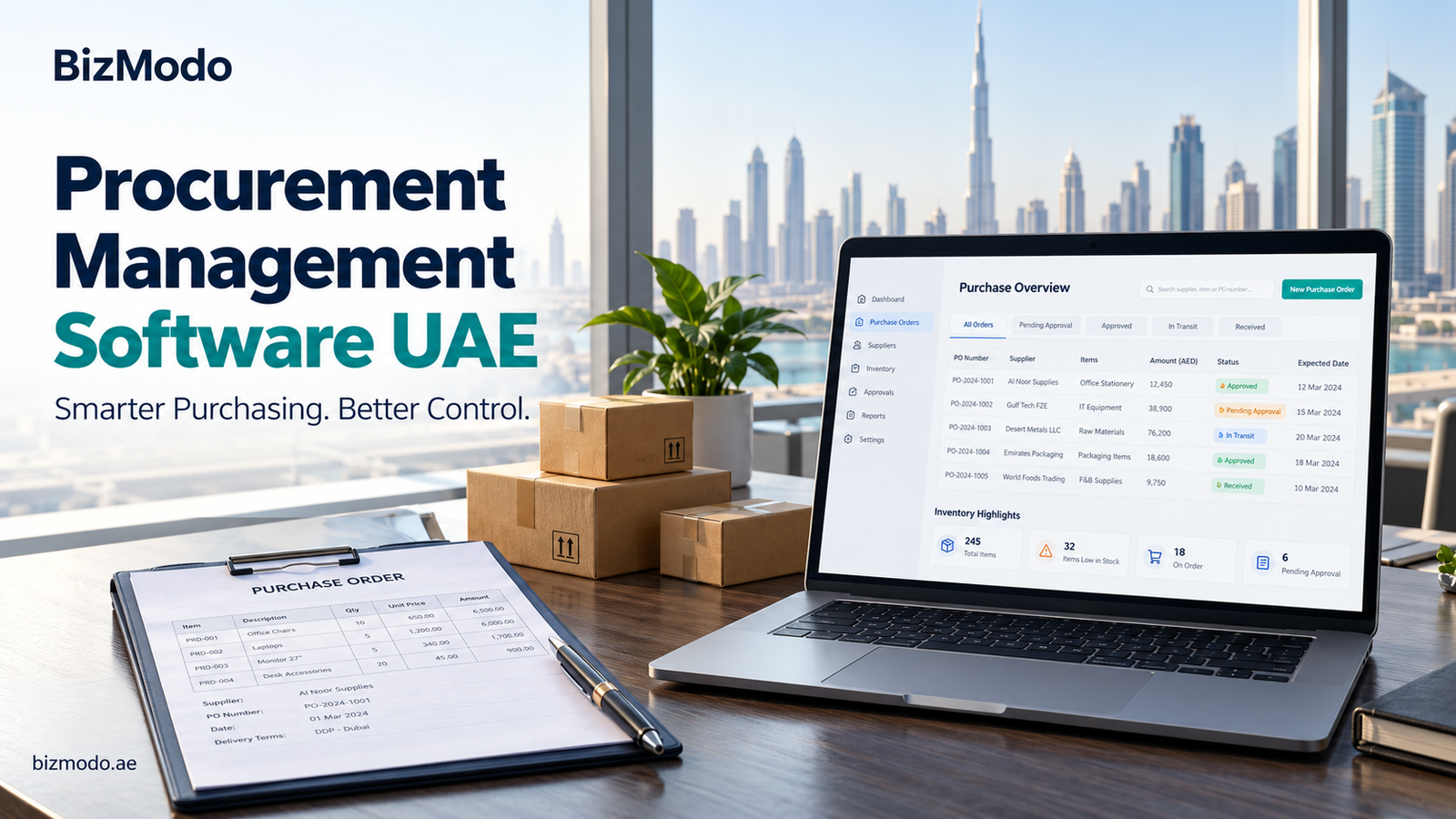
By the time a supplier invoice reaches the accounts team, most purchasing decisions have already been made. Someone selected the supplier, accepted the price, and placed the order. If the purchase was unnecessary or the terms were unclear, finance is left dealing with the consequences.
Better purchasing control starts earlier.
For businesses evaluating procurement software in the UAE, the opportunity is to make each purchase easier to justify, approve, and track. When employees, managers, and finance teams work from connected records, there is less uncertainty about what the business has committed to buying.
The value comes from making those records useful throughout the purchasing process.
What Is Procurement Software?
Procurement software helps businesses organise purchases of goods and services. Depending on the platform, it can support purchase requests, approval workflows, purchase orders, supplier records, delivery confirmation, invoice checks, and spending reports.
Its role is different from simply recording an expense.
An expense record explains what the business spent. A procurement workflow can also show why a purchase was requested, who authorised it, what the supplier agreed to deliver, and whether that agreement was fulfilled.
For a UAE retailer, that might mean tracking stock ordered for several outlets. For a service business, it could mean controlling equipment purchases, maintenance contracts, or office supplies.
The required features depend on what the company buys and how purchasing responsibilities are divided.
Make Purchase Requests Clear Enough to Approve
An approval button does not create effective control on its own. The person approving a purchase needs enough information to make a decision.
A useful request should identify:
- The goods or services required.
- The quantity and expected cost.
- The department, branch, or project requesting them.
- The required delivery date.
- The reason for the purchase.
- Any relevant quotation or specification.
Consider a request for replacement laptops. “Five laptops needed urgently” gives the approver little context. A request identifying the users, required specifications, existing equipment problems, and supplier quotation is much easier to assess.
When evaluating procurement software, check whether these details can be captured without forcing employees to maintain a separate email conversation.
Design Approvals Around Responsibility
Sending every request to the business owner can slow purchasing down. Allowing every employee to order independently can create a different problem: spending that nobody sees until payment is due.
A practical approval structure balances oversight with daily operations.
Routine purchases within an agreed limit might go to a department manager. Larger purchases or exceptions could require additional review. The rules should reflect the business’s responsibilities, budgets, and operating needs.
Also consider what happens when an approver is unavailable. Can a request be delegated? Is there a record of that change? Can staff see why an order is waiting?
The aim is a process employees can follow consistently, including during busy periods.
Compare Supplier Offers on the Same Basis
The lowest quoted price does not always represent the lowest cost of buying.
One supplier may include delivery, while another charges separately. Pack sizes may differ. A cheaper item may require a larger minimum order than the business can reasonably use.
Before comparing offers, standardise the information:
| Comparison point | What to check |
|---|---|
| Product specification | Are the suppliers quoting equivalent items? |
| Unit of measure | Is the price per piece, carton, kilogram, or another unit? |
| Order quantity | Does the price depend on a minimum purchase? |
| Delivery | What does delivery cost, and when will the order arrive? |
| Payment terms | When does payment become due? |
| Returns | How are damaged or incorrect items handled? |
For businesses purchasing from overseas suppliers, ask how the software handles different currencies and additional purchasing costs.
Consistent comparison makes supplier decisions easier to explain and review later.
Keep Ordered, Received, and Invoiced Quantities Separate
A purchase order describes what the business requested. A delivery record describes what actually arrived. An invoice describes what the supplier has billed.
Those quantities may differ.
For example, imagine a business orders 40 cartons, receives 35, and receives an invoice for all 40. This is an illustrative scenario, but it shows why delivery confirmation matters. The purchasing record should make the outstanding five cartons visible and help the accounts team investigate the difference.
During a software demonstration, test a partial delivery, a damaged item, and a return. Ask how each affects the open order and supplier balance.
A purchasing process should accommodate these ordinary exceptions without losing the original transaction history.
Include Services in the Purchasing Process
Procurement discussions often focus on physical stock, but services also need clear records.
A maintenance visit, equipment installation, or marketing project may have no warehouse receipt. Instead, the business needs evidence that the agreed work was completed and accepted.
If services account for a meaningful share of your spending, check whether the software supports service descriptions, milestones, supporting documents, and completion approvals.
Recurring purchases also deserve attention. Someone should own the decision to renew a subscription or contract, rather than allowing renewal invoices to become the first reminder.
Use Reports to Find Specific Problems
Spending reports become valuable when they lead to an action.
A supplier report might reveal that several departments are buying the same item under different descriptions. An approval report might show requests repeatedly waiting with one manager. An open-order report might highlight purchases that remain unresolved long after the expected delivery date.
Start with a manageable set of measures:
- Requests waiting for approval.
- Orders awaiting delivery.
- Invoice discrepancies awaiting resolution.
- Spending by supplier and department.
- Purchases made outside the agreed process.
Review the underlying records before drawing conclusions. Higher spending may reflect business growth, a one-off equipment purchase, or a price increase. The report should help you investigate the cause.
Considering BizModo for Connected Purchasing
BizModo’s published platform features include inventory management, supplier orders, supplier payments, vendor accounts, and stock control across multiple branches. These areas are relevant to businesses that want purchasing records connected with everyday stock and business management.
Businesses researching procurement software in the UAE can explore BizModo and request a demonstration using their own purchasing examples.
Confirm the exact approval options, reporting capabilities, integrations, and subscription inclusions before choosing a package. A demonstration should show how your team will handle a real purchase from the initial request through to the final record.
Build a Process Your Team Can Maintain
Successful implementation begins with clear responsibilities and usable data. Remove duplicate supplier records, agree on item descriptions, and decide who can request, approve, receive, and review purchases.
Begin with a defined purchasing category or department. Resolve problems there before expanding the workflow across the business.
Procurement software in the UAE is most useful when it gives people clear information at the moment they need to act. Employees know how to request a purchase, managers understand what they are approving, and finance can check what the business owes against reliable records. That is the foundation of stronger spending control.